

All your links,
one single library
Save any link from any app in a second. Hamlify turns it into a visual, organized library that is truly yours.

Stored locally, synced with your private iCloud.
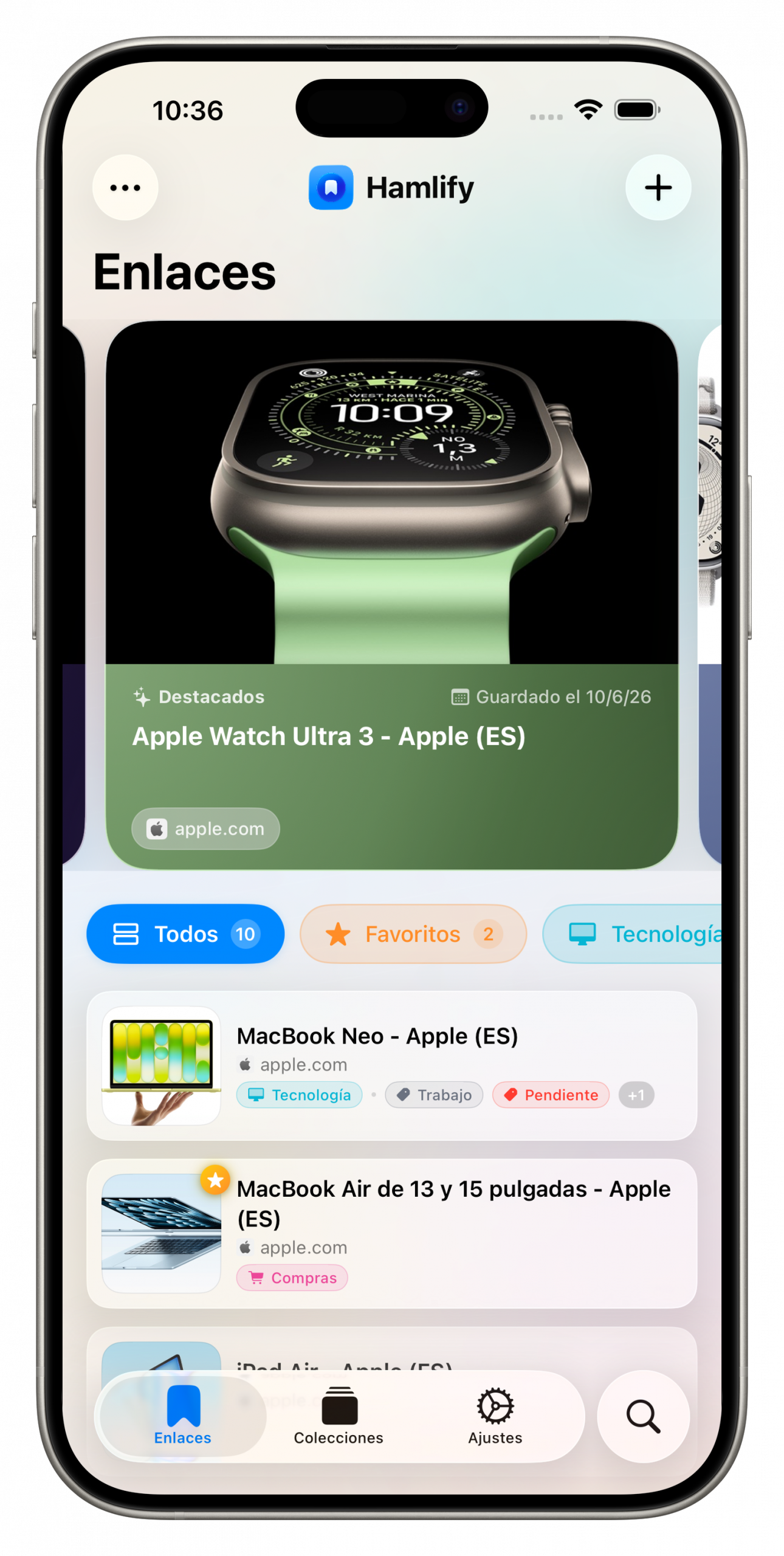
How many links have you already lost?
That article you meant to read, that product you wanted to compare, that video for the weekend. Hamlify gives them a place.

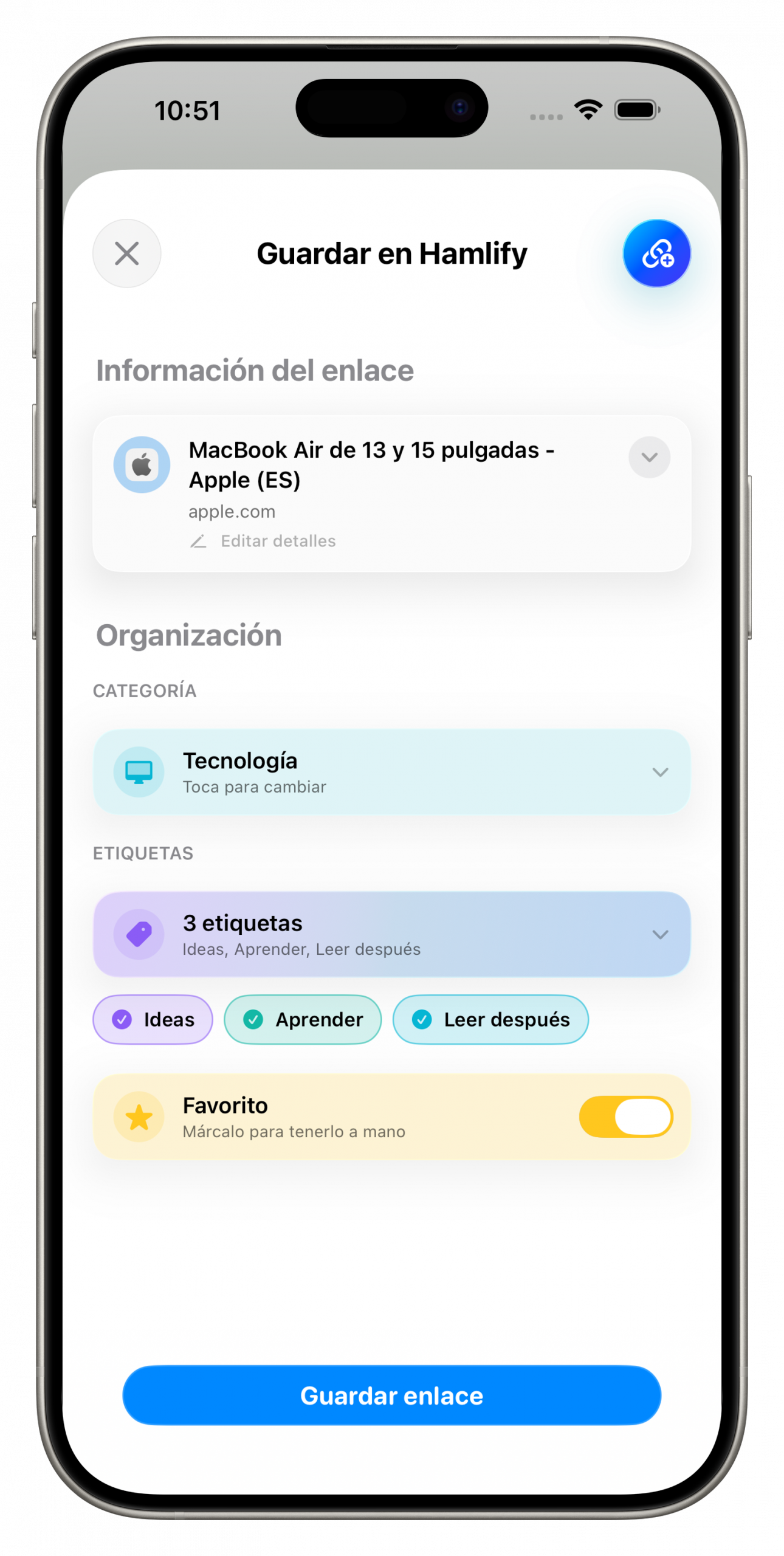
From any app, in a second
Share a link from Safari, Instagram, Amazon or anywhere else. Hamlify saves it with its image and title, without making you leave what you’re doing.

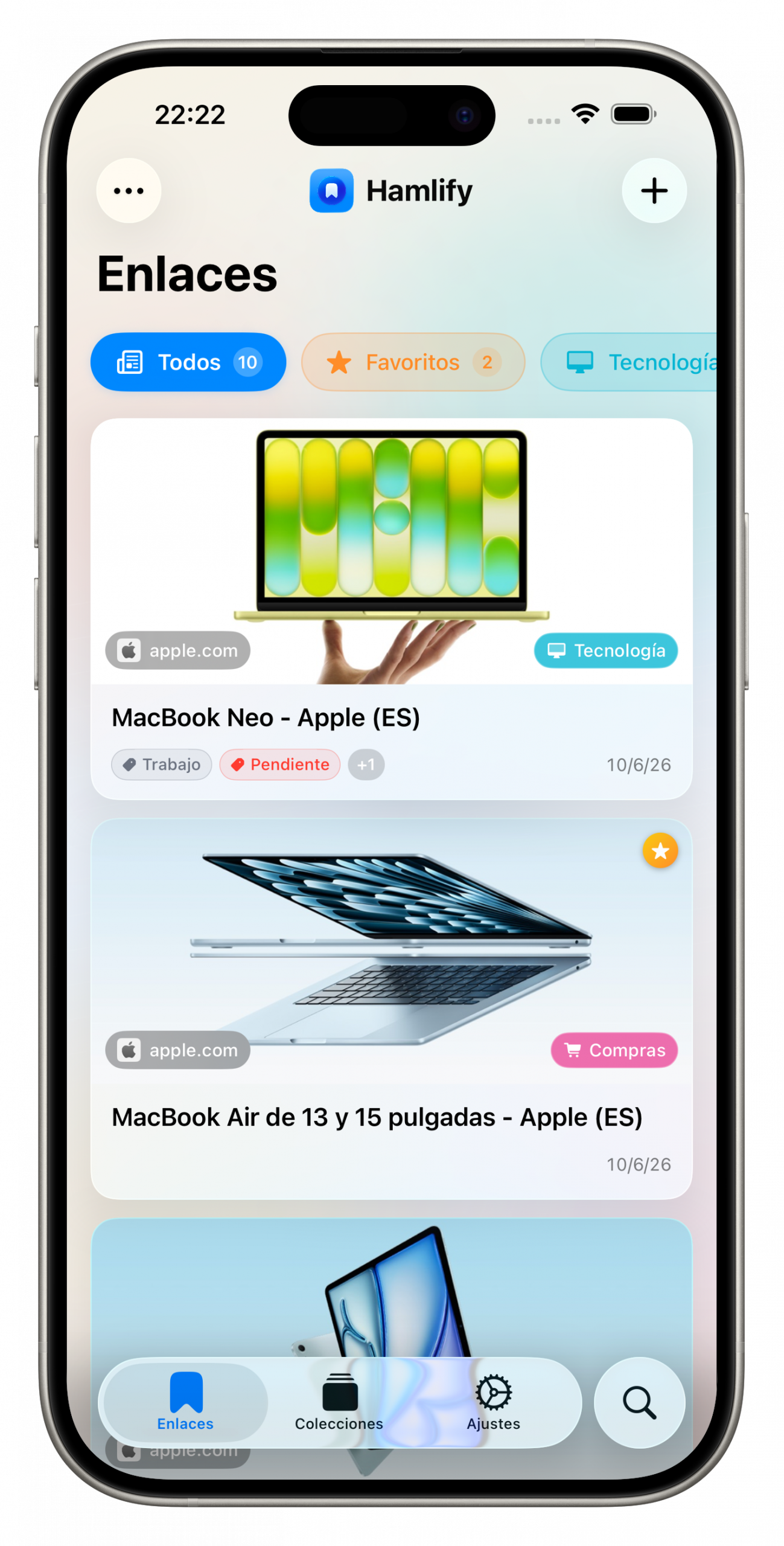
A library you’ll actually enjoy looking at
A featured carousel, large thumbnails and source filters help you instantly find what you saved from each app. Your collection, presented the way it deserves.

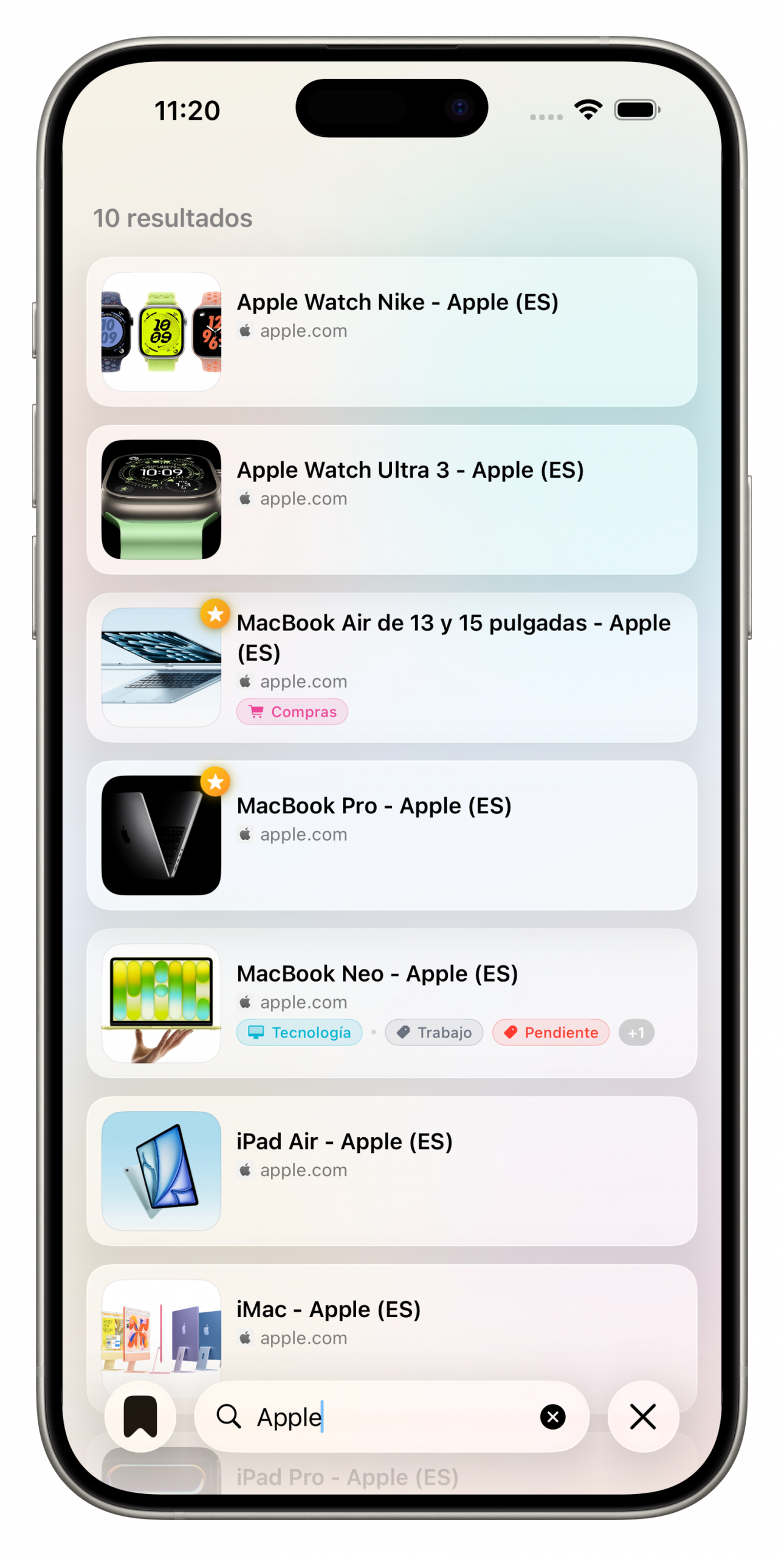
What you’re looking for, right where you left it
Built-in search and gesture-based reordering. Mark your favorite links as featured and keep them always within reach at the top.
Everything you need, nothing you don’t
Just the right features, designed to make saving and finding links immediate.
Share and save
From any app’s share sheet, without opening Hamlify.
Automatic thumbnails
Every link arrives with its image and title, ready to recognize at a glance.
Featured favorites
Mark what matters and keep it always in the top carousel.
Category filters
Shopping, development, entertainment… every link in its place.
Instant search
Type two letters and find that link you saved months ago.
100% private
No third-party accounts. Everything on your device and in your iCloud.
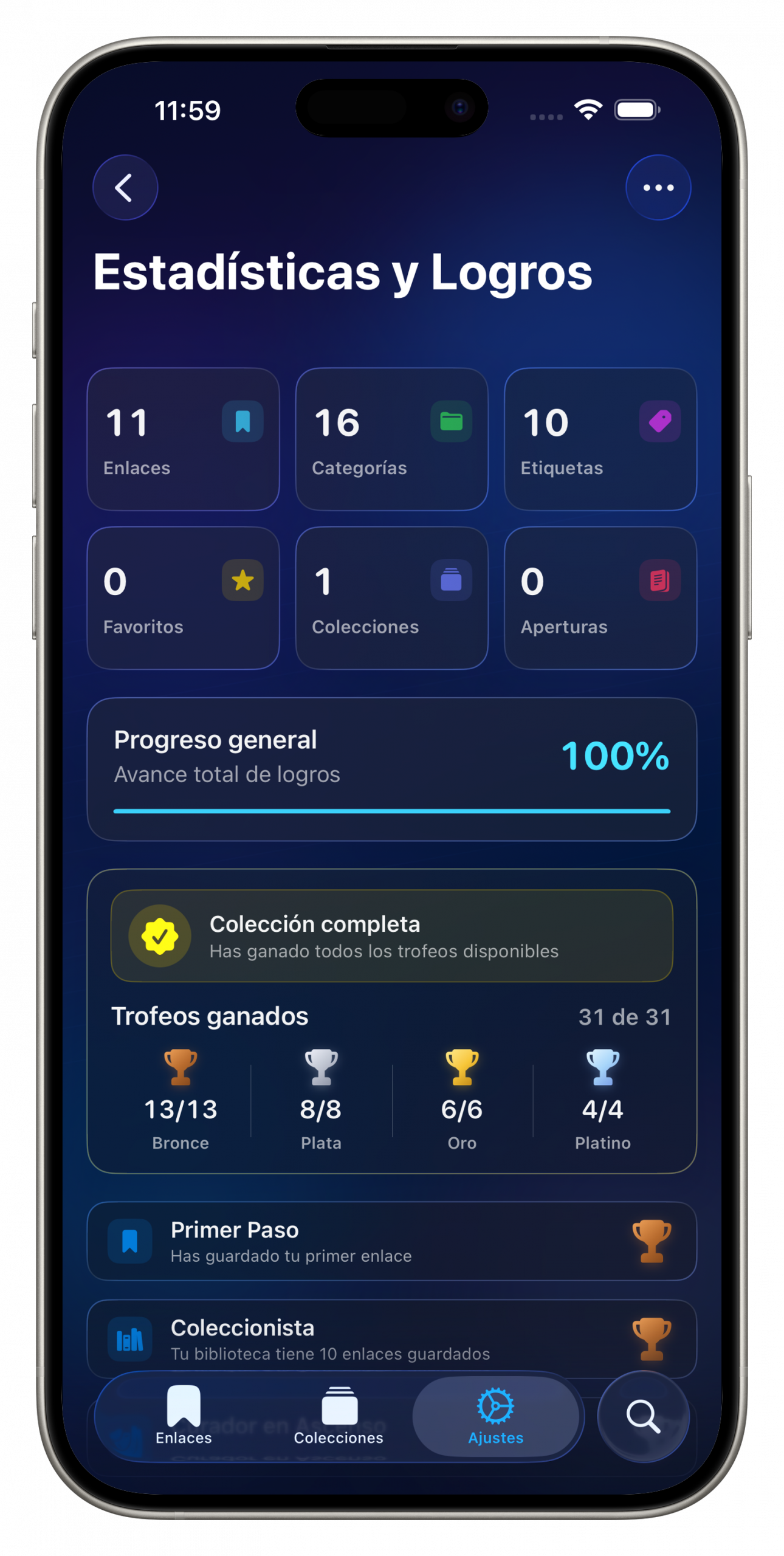
Your library, in numbers
Discover how much you save, organize and revisit. And unlock achievements along the way: every milestone has its trophy.
Make it yours
Light or dark theme, color palettes, views and featured styles. Try changing the palette:
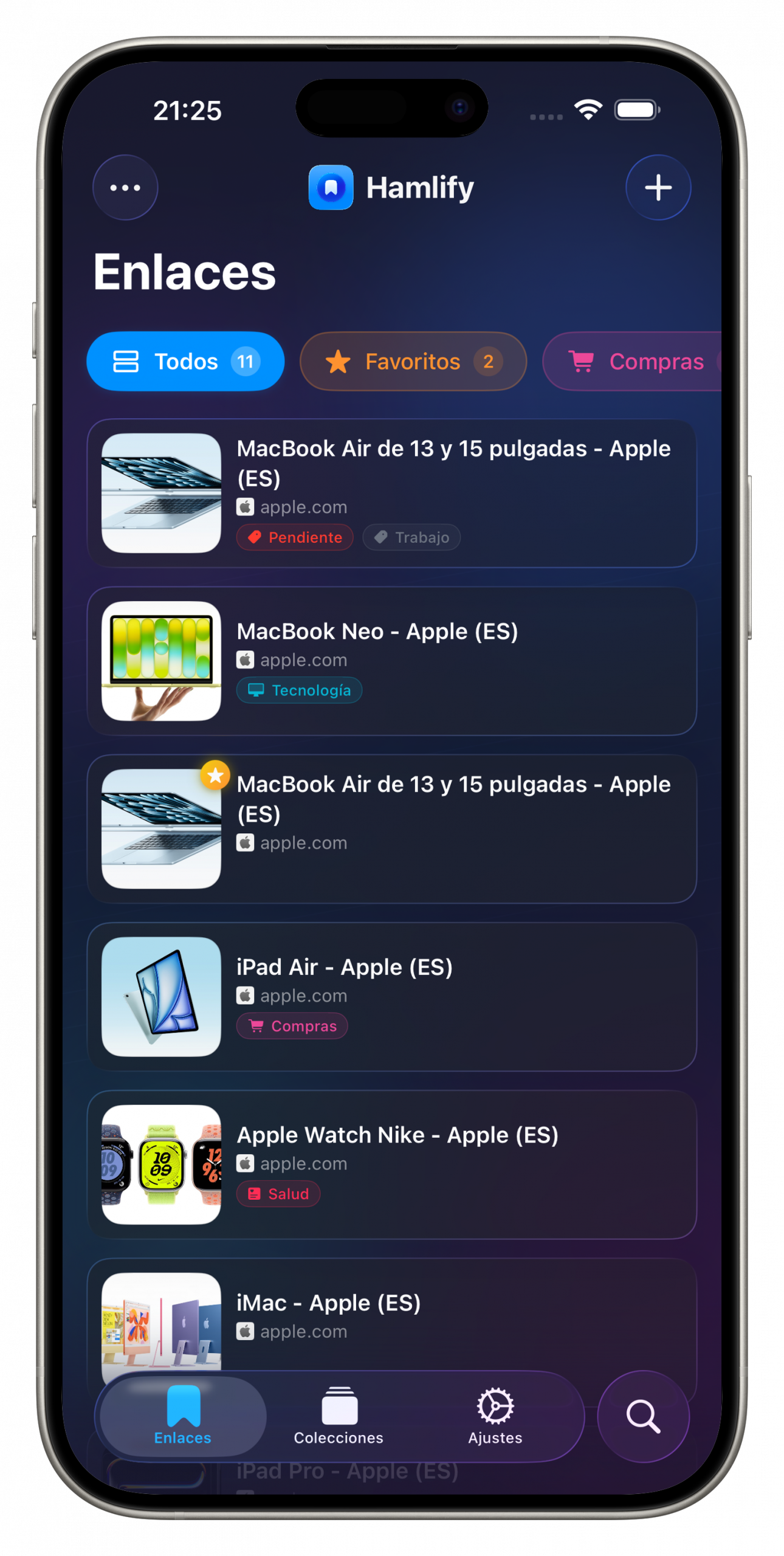
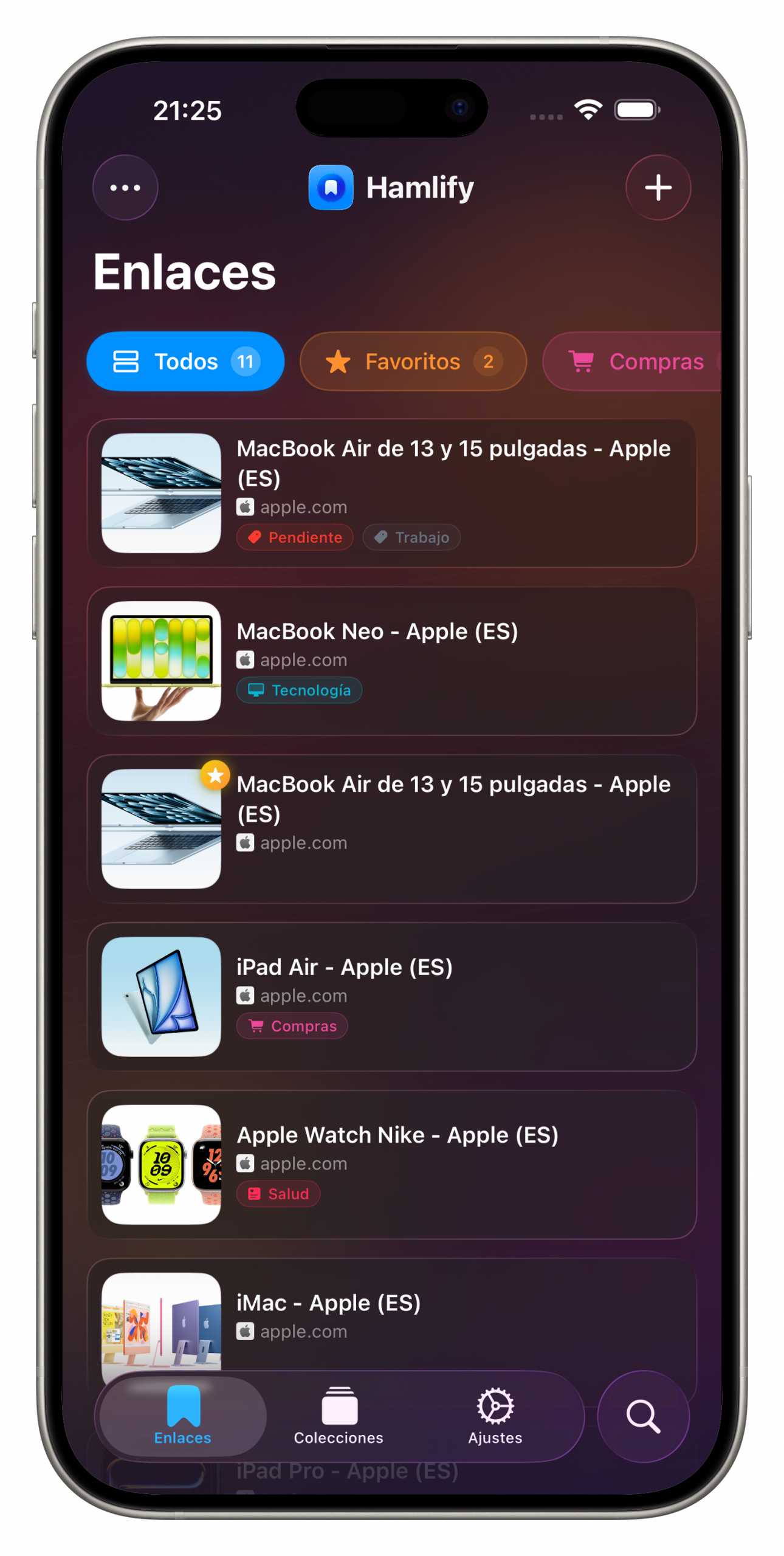
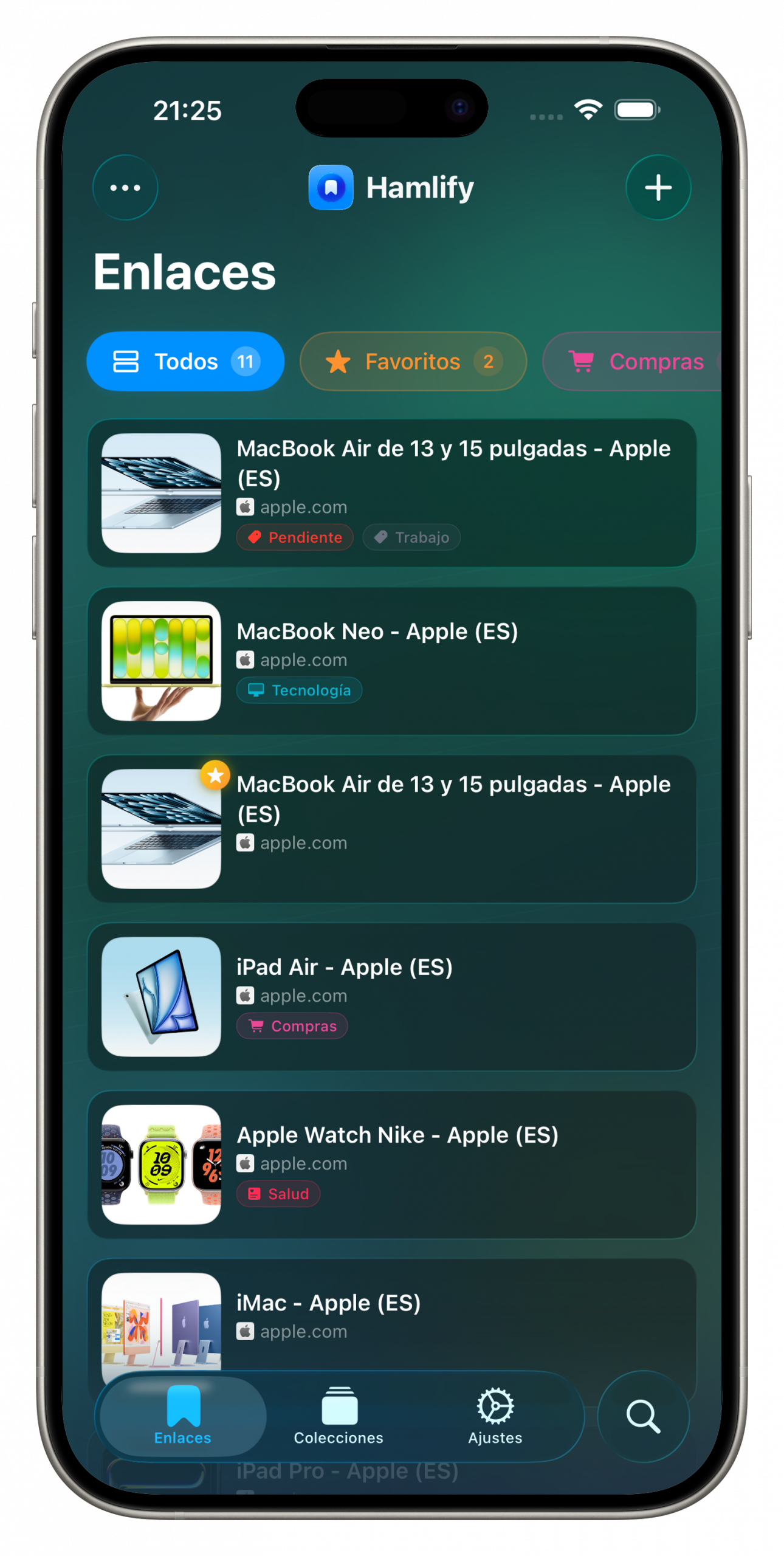
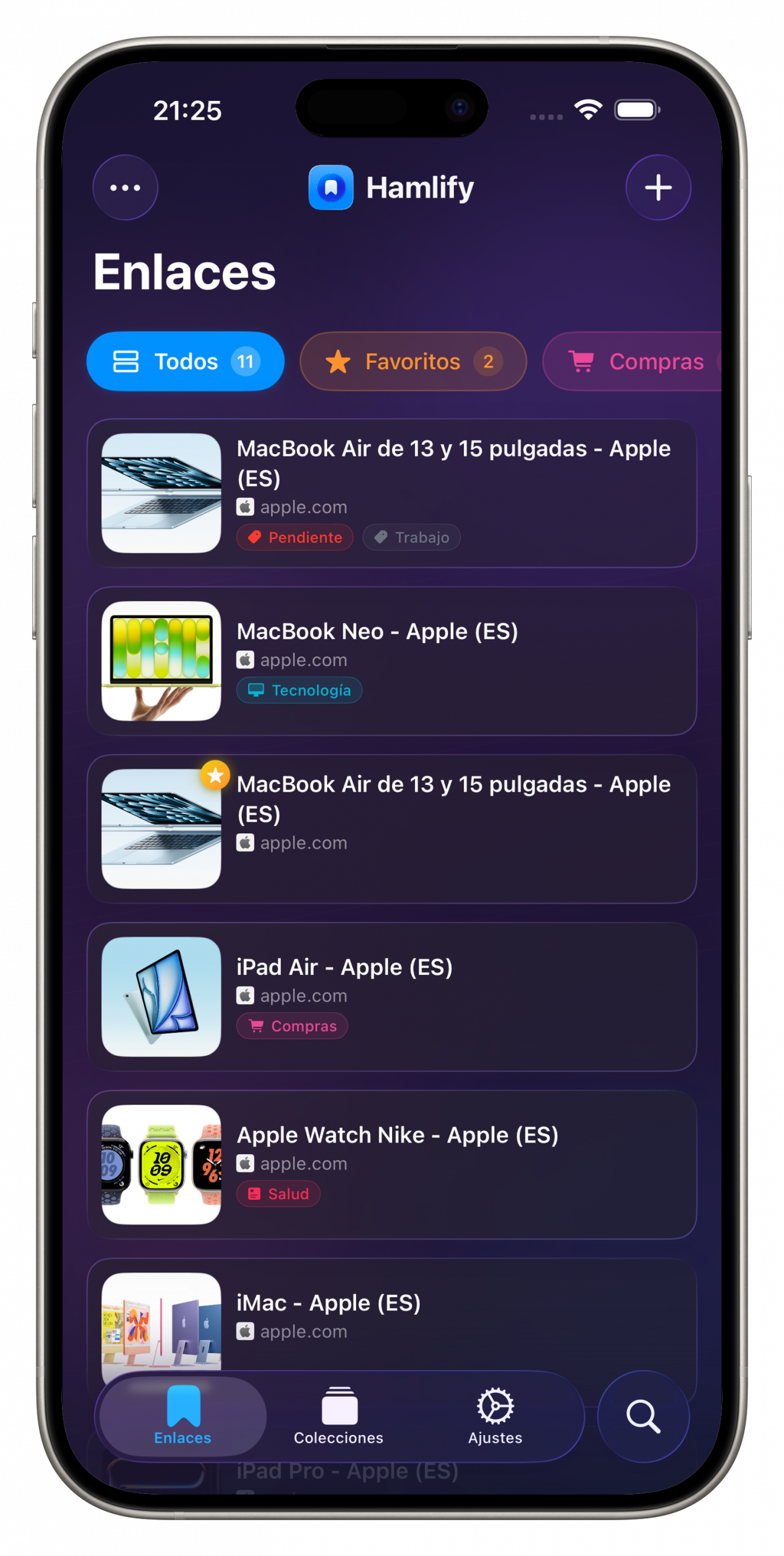
- Light and dark theme with automatic switching based on the system setting.
- Color palettes that tint the entire app background.
- Wide or compact view, with or without thumbnails.
- Featured links your way: podcast style, panoramic and more.
- Rediscover and quick filter, ready to enable whenever you want.
Start on one, continue on another
Save a link on your iPhone and it instantly appears on your iPad and Mac. iCloud keeps your library up to date across all your devices, with nothing to set up.




Save from any app you know
Group what belongs together
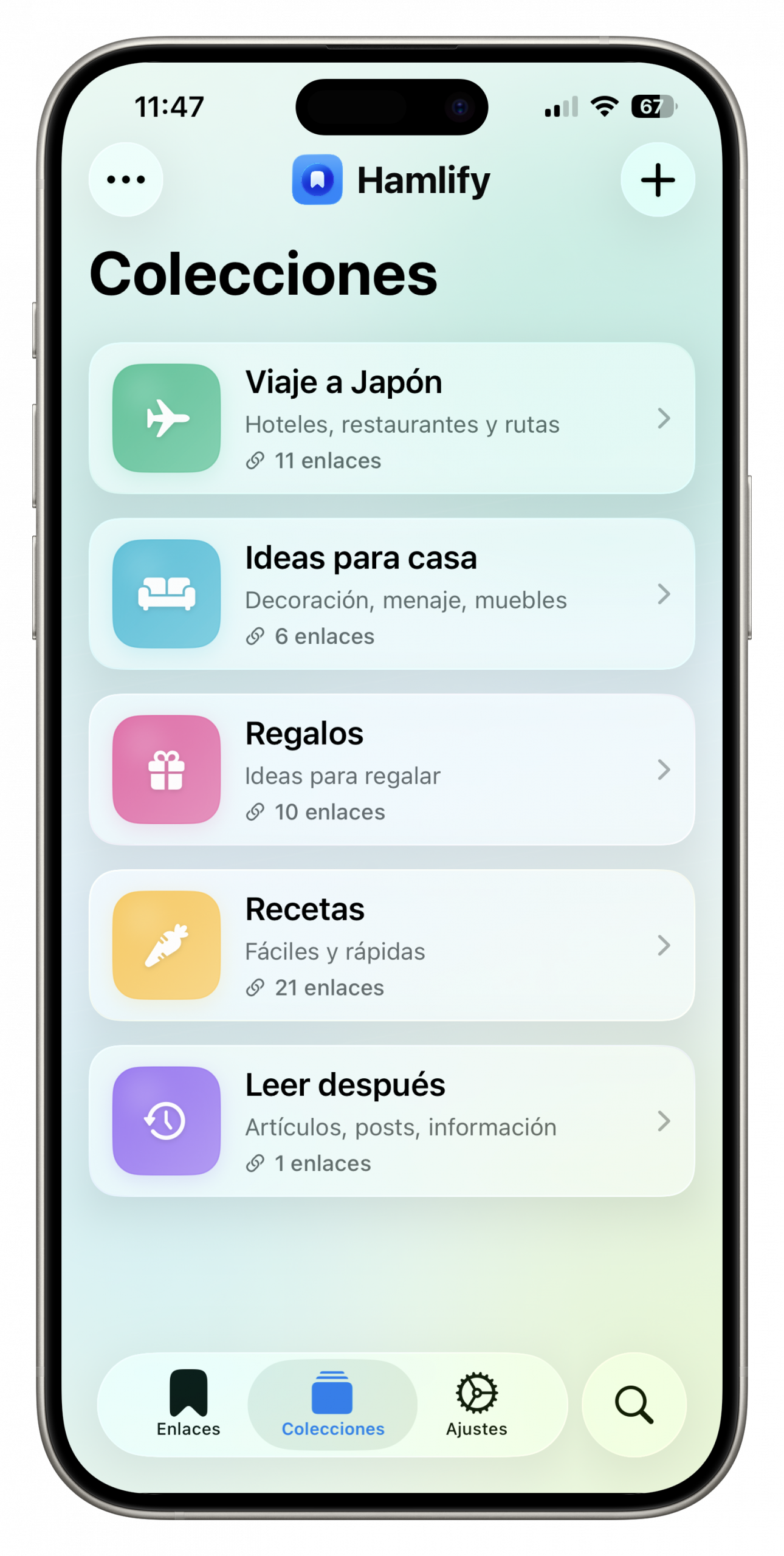
Create collections to organize your links your way: a trip you’re planning, home ideas, pending gifts… Each collection brings together what belongs together, beyond categories.
- Trip to Japan
- Home ideas
- Gifts
- Recipes
- Read later
Your library is yours alone
Hamlify is not a social network or a feed. It is your private space for saving what interests you.
Local and synced
Your links live on your device and sync between your iPhone, iPad and Mac through your private iCloud. No third-party servers.
No ads
No advertising and no algorithms deciding what you see. Just your collection.
Privacy first
No personal data collection and no access to the content you save.
Hamlify keeps getting better
Every version brings new features. Here are the latest.
Refreshed appearance and first alternate icon drop
Customize Hamlify more clearly, unlock new icons and organize links into collections from automations and the share extension.
Redesigned appearance settings
The appearance screen has been reorganized with a more visual, cleaner and easier-to-understand design.
Collections while saving
You can now assign links to collections from the share extension and from automations.
Unlock icons with your achievements
The first icon drop arrives, letting you personalize Hamlify with brighter, more premium styles.



The biggest update yet
A version refreshed inside and out: saving, finding and organizing links is now faster, more visual and more comfortable.
- Almost instant saving
- Redesigned share extension
- Rediscover card
- Spotlight and Siri
- Apple Intelligence
- Stats and achievements
New Languages
Hamlify is now available in Spanish, English, French, Italian and German.
- New Languages
- New Magazine View
- Swipe Gesture Customization

Developer
I’m an independent iOS developer. I created Hamlify because I used to save links in notes, messages to myself and bookmarks I never reopened. I wanted one beautiful, fast place for everything I find online.
I hope you find it as useful as I do.
Frequently Asked Questions
Have another question? Write to us at yo@fernandobarcia.es
What is Hamlify?
Hamlify is a personal link library for iPhone, iPad and Mac. Save any link from any app and organize it visually with thumbnails, featured links and source filters.
Which apps can I save links from?
From practically any app: Safari, Instagram, YouTube, Amazon, Wallapop, the App Store… Any app with a share button works with Hamlify.
Do I need to create an account?
No. Hamlify works without registration: download the app and start saving links right away.
Are my links private?
Yes. Your library is stored on your device and syncs only through your private iCloud. No one else can see it: Hamlify is not a social network.
Do my links sync between devices?
Yes. Hamlify uses iCloud to keep your library up to date across all your devices automatically, with nothing to set up.
Which devices does it work on?
Hamlify is available for iPhone, iPad and Mac. Your library stays synced across all three automatically through iCloud.
Start your library today
The next link you find already has a place to stay.